
Other articles
- Apple Ads theory: Basic vs Advanced
- Apple Ads theory: Placements
- Apple Ads theory: Campaigns
- Apple Ads theory: Ad Groups
- Apple Ads theory: Target and Negative Keywords
- Apple Ads theory: Search Terms
- Apple Ads theory: Ad Variations
- Apple Ads theory: Impression Share
- Apple Ads practice: Exact Match Campaign
- Apple Ads practice: Bidding
- Apple Ads practice: Discovery Campaign
- Income vs Cohort Income
Apple Ads theory: Basic vs Advanced
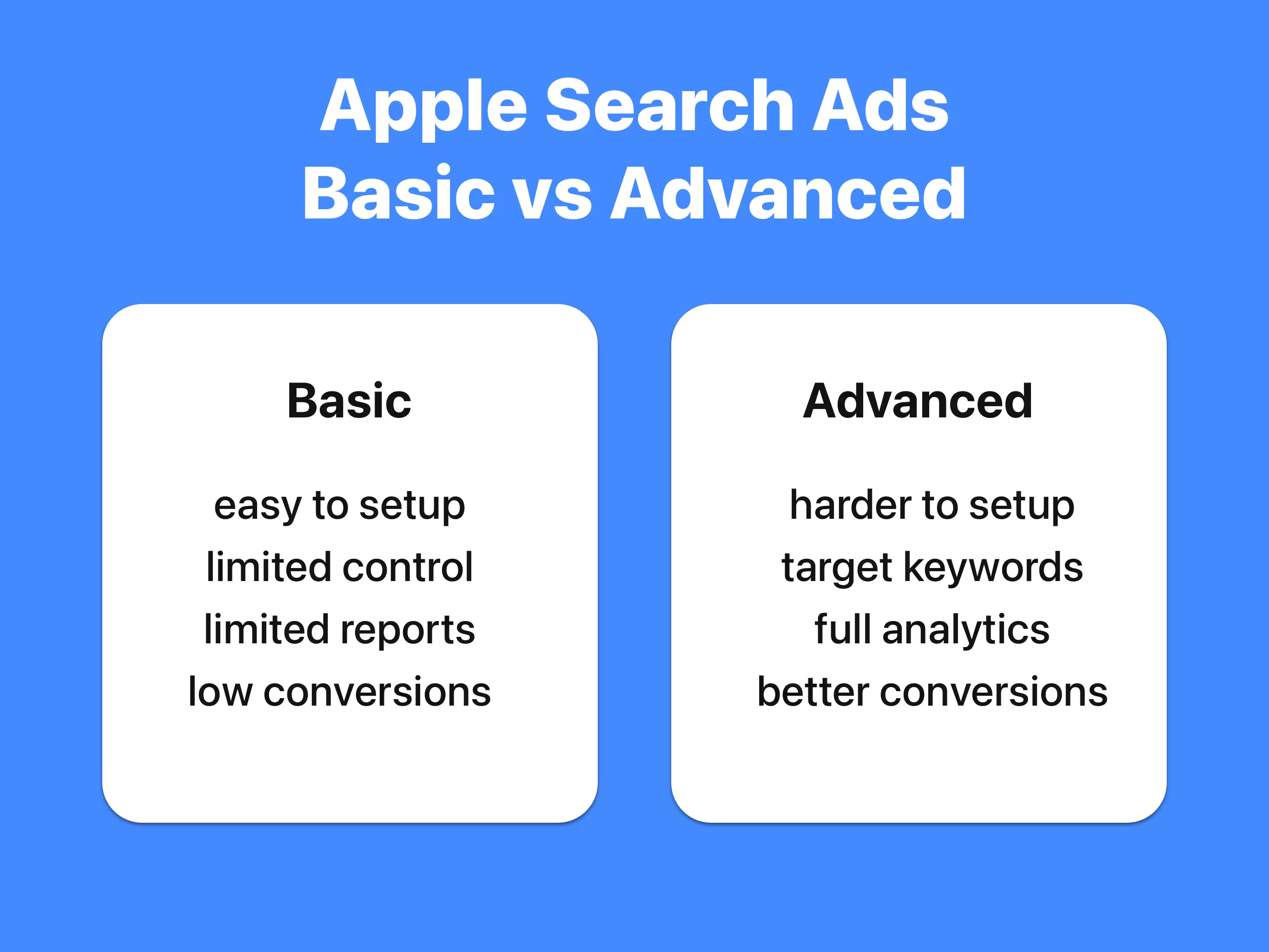
On the top level of your Apple Ads dashboard you have a switch that lets you toggle between Basic and Advanced.
Apple Ads Basic
In Basic you can select countries, monthly budget, cost per install and ... that's it. It looks much simpler than setting up many parameters in Advanced and often you even pay less per install. The big problem with these installs is a traffic quality. You can't control targeting, so your users may come from a non relevant keywords. From my experience, Basic campaigns are almost never profitable.
Apple Ads Advanced
In Advanced you can set up targeting for specific keywords, adjust bids on a keyword level, and use analytics tools to measure income per keyword. With this data, you can stop underperforming keywords and invest more in a high performing ones. If cost per install is too high, there are techniques that can help lower it. I will explain everything about Advanced in the next posts.
Apple Ads Basic with more analytics
If you still want to use Basic because of its simplicity, here is what you can do instead. Go to Advanced and create a new campaign. Select country, set a daily budget, and in the ad group settings, set CPT Bid and CPA Cap that equal to Cost Per Install in Basic. Leave Search Match On and click Create Campaign. Now you have a campaign that behaves the same way as Basic. The big difference is that after getting some installs you can open Report -> All Keywords -> Search Terms and see where your installs came from.